What AI Workflows Can Actually Do for a Business Now
AI does not have to be a vague transformation program. The useful version is much more concrete: collect the right data, audit what changed, propose next actions, route decisions to humans, and help execute approved work.
Most businesses already have enough AI awareness. Someone has used ChatGPT. Someone has summarised a document. Someone has asked a model to write an email, explain a spreadsheet, or turn messy notes into something presentable.
That is a good start. It proves the tools are useful.
It is also where the window is opening. The businesses that learn how to turn scattered AI use into repeatable workflows will start compounding small operating advantages: faster follow-up, cleaner reporting, fewer missed exceptions, and less time lost to manual coordination.
The next stage is different. The question is no longer whether AI can answer questions. It is whether AI can help the business run a repeatable piece of work better than it runs today.
That is what an AI workflow is for.
AI workflows are not magic
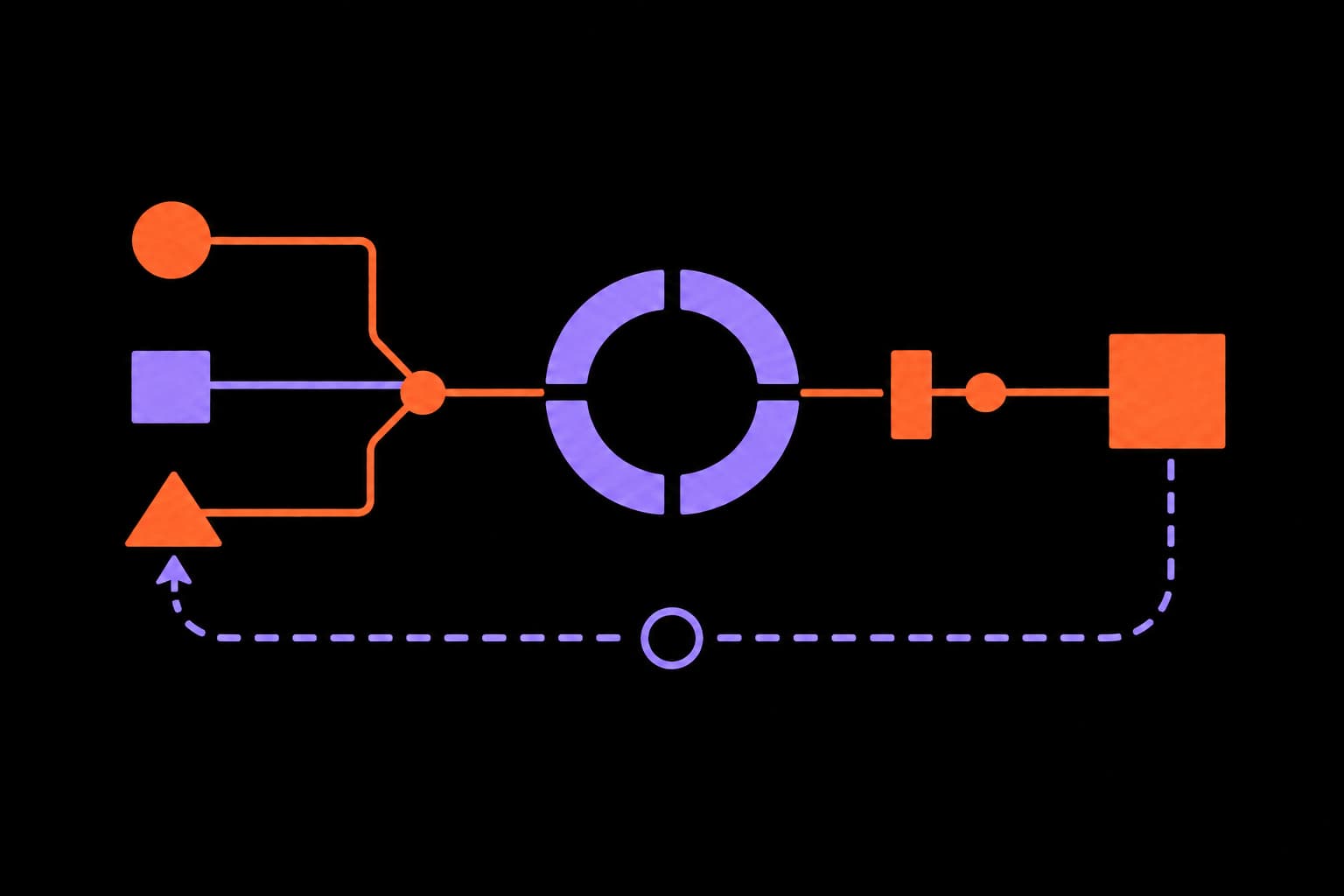
A useful AI workflow is a structured operating loop. It has inputs, rules, review points, outputs, and measurements. It does not need to be fully autonomous. In most real businesses, it should not be.
The practical pattern looks like this:
A practical AI workflow loop
Step 1
Aggregate
Collect the relevant context from approved systems: CRM, inbox, analytics, finance exports, support tickets, documents, or operating notes.
Step 2
Audit
Check the current state against the expected state: missing follow-ups, stale deals, unusual spend, overdue invoices, repeated complaints, broken handoffs.
Step 3
Recommend
Turn raw findings into specific next actions, with enough reasoning for a person to judge the recommendation.
Step 4
Triage
Rank work by value, risk, urgency, confidence, and who needs to approve it.
Step 5
Approve
Send sensitive decisions to a human before anything is changed, sent, paid, deleted, or published.
Step 6
Execute
Carry out approved work: draft messages, create tasks, update records, prepare reports, open pull requests, or notify the right person.
Step 7
Measure
Track what happened: cycle time, errors avoided, revenue recovered, response time, margin impact, or hours returned to the team.
This is less exciting than a video of an agent ordering pizza or browsing the web by itself. It is also much more valuable.
Businesses do not need AI theatre. They need fewer dropped balls, faster handoffs, cleaner data, better follow-up, and clearer decisions.
That is the useful kind of urgency. Not panic. Not replacement theatre. Just the reality that teams who redesign one workflow at a time will get better every month, while teams that leave AI as a side tab will mostly get isolated productivity gains.
The shift is from answers to operations
A chatbot gives an answer in a conversation.
A workflow changes how work moves through the business.
That difference matters. If a person asks AI to summarise a sales call, the result might save ten minutes. If a workflow checks every open deal, finds stale opportunities, prepares follow-up drafts, updates the CRM after approval, and tracks response rates, the business gets a small operating system.
The value is not just the generated text. The value is the closed loop.
Data comes in. The system checks it. It decides what needs attention. It proposes action. A human approves the sensitive parts. The work gets executed. The outcome is measured. The next cycle is better because the context is still there.
What this looks like across the business
The same pattern applies across very different teams. The details change, but the operating logic stays consistent.
Revenue operations
Data in
CRM records, call notes, proposals, inbox history, calendar events, and pipeline stages.
Work out
A ranked list of stale opportunities, missing follow-ups, unclosed loops, proposal risks, and next best actions.
Human loop
A person approves high-value follow-ups or edits the suggested message before it is sent.
Customer operations
Data in
Support tickets, reviews, refund requests, delivery issues, order history, and account notes.
Work out
Recurring issue themes, priority cases, suggested replies, escalation summaries, and product or process fixes.
Human loop
Simple drafts can be reviewed quickly; sensitive complaints, refunds, or policy exceptions stay human-approved.
Finance and admin
Data in
Invoices, bank exports, subscriptions, contracts, purchase orders, timesheets, and payment terms.
Work out
Overdue invoices, unusual charges, missing paperwork, renewal risks, cash-impact summaries, and prepared follow-up drafts.
Human loop
The system prepares the work. A person approves payments, customer follow-ups, write-offs, or vendor changes.
Marketing and content
Data in
Analytics, campaign results, search terms, ad spend, content performance, sales outcomes, and customer questions.
Work out
Underperforming pages, content gaps, campaign anomalies, topic ideas, messaging improvements, and draft briefs.
Human loop
Humans approve positioning, claims, tone, budget changes, and anything that will be published externally.
Operations and compliance
Data in
SOPs, checklists, incident logs, vendor data, inventory, project boards, and internal policies.
Work out
Exceptions, missing checks, process drift, blocked work, risk summaries, and corrective action lists.
Human loop
The agent can create tasks and prepare evidence. People still own judgement, accountability, and final decisions.
None of these require a business to hand over control to an autonomous system. They require a clear workflow, the right data, and sensible approval gates.
Why human-in-the-loop is a feature, not a compromise
Full autonomy gets most of the attention because it is easy to talk about. Human-in-the-loop systems are usually more useful.
The reason is simple. Businesses are full of judgement calls. A customer refund, a sales follow-up, a vendor dispute, a compliance issue, or a public campaign change may need context that is not fully captured in the data.
AI can still do most of the preparation. It can collect the evidence, identify the pattern, draft the response, and explain why it is recommending a particular action. The human then approves, edits, rejects, or escalates.
That is a strong operating model. The system handles repetition and context gathering. People keep judgement and accountability.
Security is what makes this practical
The reason many businesses stop at basic AI use is not lack of imagination. It is uncertainty about safety.
That concern is reasonable. Connecting AI to business systems means the agent may be able to see customer records, financial data, private documents, inbox history, analytics, or internal process notes. That should not be done casually.
Safe AI workflows need boundaries:
- read-only access by default
- least-privilege permissions
- separate agent identities
- clear audit logs
- human approval gates for writes, sends, payments, deletes, and customer-facing actions
- scoped data access for each workflow
- secrets managed outside prompts and documents
- rollback paths when something goes wrong
This is where the opportunity becomes practical. The answer is not to keep AI disconnected from everything useful. The answer is to connect it carefully.
A governed workflow can be safer than unmanaged copy-paste AI use. It has known data access, known approval points, and a record of what happened.
We covered the security model in more detail in AI Agent Security Practices. The short version is this: treat agents like operators with keys, not like harmless chat windows.
Australia has usage. The opportunity is leverage.
The data does not suggest Australia is ignoring AI. Microsoft's AI Economy Institute ranked Australia 11th globally for generative AI diffusion in Q1 2026, at 39.5% of the working-age population. The University of Melbourne and KPMG found that half of Australians use AI regularly.
The more interesting issue is leverage. KPMG's 2026 Global AI Pulse found only 35% of Australian organisations prioritised productivity gains through AI automation, compared with 42% globally. Deloitte's 2026 Australian perspective found only 12% of Australian leaders said generative AI was already transforming their business or industry, compared with 25% globally.
That is the gap worth paying attention to. Not whether people have tried AI. Whether the business has turned AI into production workflows.
Start with one boring workflow
The best first workflow is usually not the most glamorous one.
It is a process that already happens every week, already touches revenue, cost, risk, or customer experience, and already depends on someone gathering information from multiple places.
Good candidates include:
- weekly revenue or pipeline review
- overdue invoice follow-up
- support ticket triage
- lead research and first-draft outreach
- campaign performance review
- vendor or supplier exception checks
- internal task board cleanup
- customer feedback and review mining
The common thread is that the work is structured enough to repeat, but annoying enough that it often gets delayed, skipped, or done inconsistently.
A simple 30-day path
A business does not need a grand AI transformation program to start. A better first step is a small workflow with clear limits.
- Pick one workflow that matters commercially. Avoid novelty use cases.
- Map the loop: data aggregation, audit, actionable items, triage, approval, execution, measurement.
- List the data sources required and remove anything unnecessary.
- Start read-only. Let the system observe, summarise, and recommend before it changes anything.
- Add approval gates for external, financial, destructive, or customer-facing actions.
- Measure one useful outcome: hours returned, cycle time, error reduction, response time, recovered revenue, or risk reduction.
- Improve the workflow once it has proven useful.
This is how AI becomes less abstract. It stops being a tool people remember to open and becomes part of how the business handles work.
The optimistic version of urgency
The useful story is not that businesses should panic about AI. That framing is noisy and usually unhelpful.
But there is a real reason to move now. The businesses that build operating capability early will not just save time once. They will improve how work moves through the company every week. That kind of advantage compounds quietly.
The good news is that many businesses already have the raw ingredients: staff who are experimenting, data sitting in systems, repeatable work that drains time, and customers who benefit when operations run smoothly.
AI workflows connect those ingredients.
They do not remove people from the business. They remove avoidable drag from the work around those people.
That is a much more realistic and more exciting version of AI: calmer operations, better prepared decisions, faster follow-up, safer systems, and teams spending more time on the work that actually needs human judgement.
If your business is ready to move from scattered AI experiments to one safe, useful workflow, start with the operating loop. Pick the data. Define the audit. Decide what action should happen next. Keep humans in the loop. Measure the result.
That is the practical FOMO: not fear of being replaced, but the sense that useful operating leverage is available now, and the businesses that learn how to use it will feel different to work in.
That is enough to begin.
Sources and further reading
- Microsoft AI Economy Institute, Global AI Diffusion: Q1 2026 Trends and Insights.
- KPMG Australia, Australia leads the world on responsible AI, but lags on productivity gains.
- Deloitte Australia, Australian organisations lag global peers in realising AI's transformational potential.
- Microsoft ANZ, From hype to habit.
Want to find the first workflow worth building?
Tessera helps businesses turn scattered AI usage into safe, repeatable workflows with clear data access, review points, and measurable outcomes.
Book an AI workflow audit