AI Vendor Due Diligence: A Buyer Guide for Founders and Ops Leaders
Most AI workflow tools look useful in a demo. The harder question is whether they can operate safely inside your actual business, with the right access, approval gates, audit trails, and human ownership.
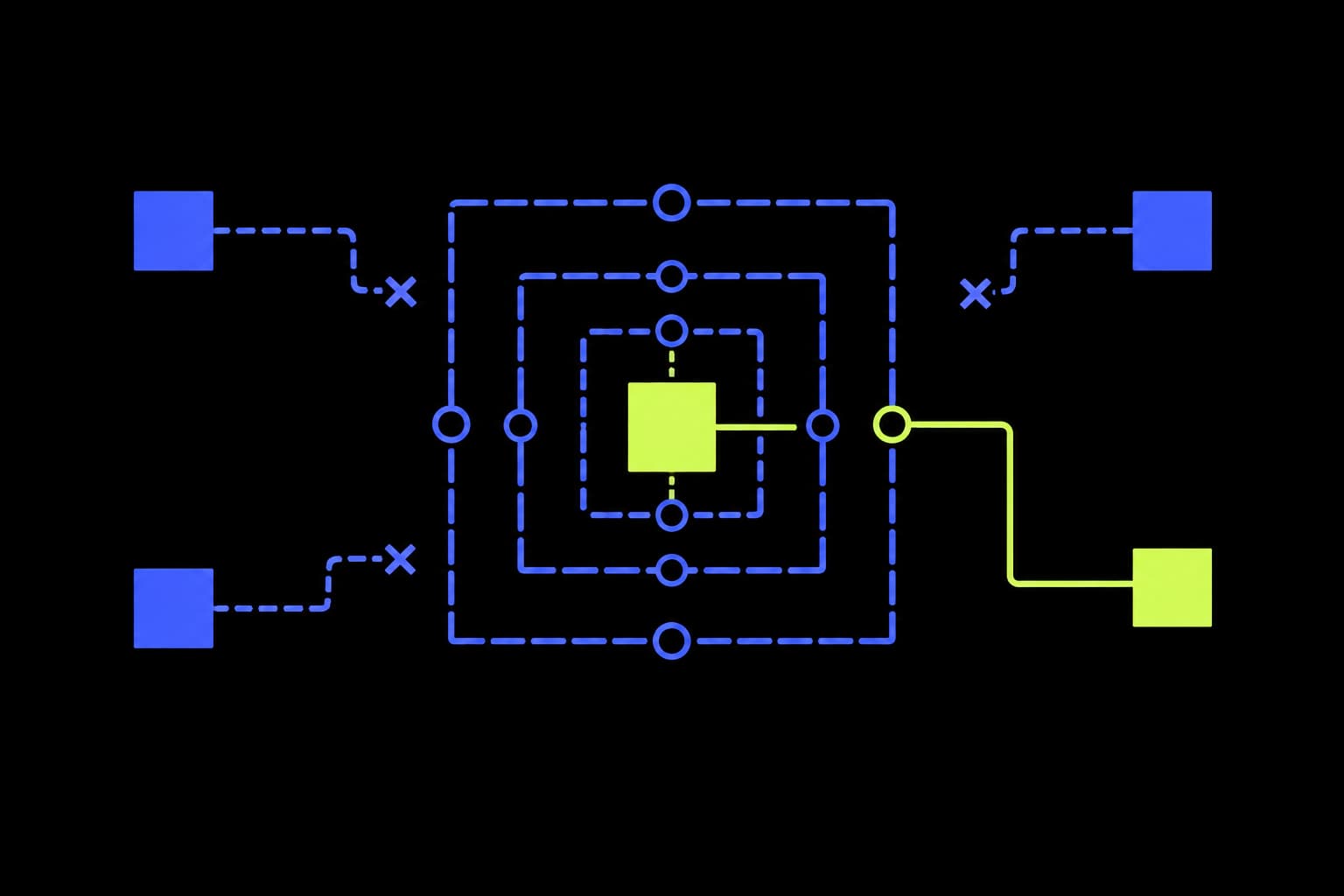
The FTC’s latest action against deceptive AI marketing claims is a useful reminder: AI risk is no longer just technical. Simon Willison’s framing is the right one for buyers — do not reward vague capability claims; ask what the system can actually do, who controls it, and what evidence exists when it fails.
Most AI workflow tools look useful in a demo. The vendor connects a few apps, generates a clean draft, and shows a workflow that seems to remove manual work.
That is not enough. A demo proves the product can perform a task under controlled conditions. It does not prove the workflow is safe to run inside your business, with your data, your customers, your approvals, and your messy edge cases.
For founders, COOs, agency leaders, and ops teams, the buying decision is not really about AI capability. Capability is becoming easier to buy. The real decision is operational fit.
Start with the workflow, not the vendor
Before you compare products, write down the workflow in plain English. What triggers it? What data does it need? What output should it produce? Which actions are low risk? Which actions touch money, customers, legal exposure, pricing, reputation, or permanent data? Who currently makes the judgement call?
This exposes the real buying criteria. You are not buying a model. You are buying a system that will sit inside a business process. That system needs boundaries.
Data access
What can the vendor read, write, retain, and train on?
Good sign
Least-privilege access, clear data boundaries, reversible permissions, and no hidden training use for business data.
Risk sign
Broad workspace access, vague retention terms, unclear subprocessors, or permissions that are hard to revoke.
Approval gates
Which actions require a person before anything changes?
Good sign
Explicit gates for money, customers, legal exposure, brand voice, pricing, deletion, publishing, and vendor changes.
Risk sign
The tool can send, update, approve, or delete without a clean review step because that was easier to configure.
Auditability
Can you see what happened after the fact?
Good sign
Readable logs of inputs, outputs, tool calls, approvals, failures, overrides, and the person accountable for each decision.
Risk sign
A black-box automation history that only proves something ran, not why it acted or who approved it.
Integration fit
Does it fit the actual stack or only the demo stack?
Good sign
Connects cleanly to the systems that matter, handles messy exports, supports edge cases, and does not require a full rebuild first.
Risk sign
Looks impressive in a sample CRM but collapses around custom fields, shared inboxes, spreadsheets, legacy tools, and manual exceptions.
Failure modes
What happens when the model, integration, or assumption fails?
Good sign
Defined fallbacks, confidence thresholds, escalation paths, timeout handling, test cases, and safe defaults.
Risk sign
The vendor mostly talks about accuracy and avoids the operational question of what happens on a bad day.
Human-in-the-loop design
Is review a real operating step or just a checkbox?
Good sign
Humans receive enough context to decide quickly, with simple approve, edit, reject, and escalate paths.
Risk sign
Every output dumps into Slack or email, then the team has to invent the review process themselves.
Vendor lock-in
Can you leave without losing the operating model?
Good sign
Exports, documented prompts or rules, portable data, clear workflow diagrams, and ownership of process knowledge.
Risk sign
The vendor owns the workflow logic, history, and configuration in a way that makes switching too painful.
Operational ownership
Who keeps the workflow useful after launch?
Good sign
A named owner, cadence for review, change control, incident handling, and metrics tied to the business outcome.
Risk sign
The tool is launched, celebrated, and then left to drift as the business process changes.
Questions to ask before you buy
- 01Show us exactly which systems the workflow can read from and write to.
- 02Show us the approval step for a high-risk action, not a low-risk demo.
- 03Show us the audit log from a completed run, including rejected or edited outputs.
- 04Show us how the workflow behaves when required data is missing or contradictory.
- 05Show us how an operator changes the workflow after the business process changes.
- 06Show us how we export the workflow history, configuration, and operating documentation if we leave.
What this looks like in practice
Imagine a vendor demoing an AI inbox workflow for an agency. In the demo it drafts polished client replies. In production it asks for broad Gmail, Drive, CRM, and project-board access, then offers to send replies automatically once confidence is “high enough.” That is where due diligence starts: which folders can it read, which clients are excluded, what claims require approval, and what log proves who accepted the final message?
Self-serve does not mean self-governing
Self-serve AI tools are getting better. Teams can now connect apps, classify tickets, generate reports, enrich records, and trigger actions without waiting for a custom engineering project. But the tool cannot automatically decide which data should be exposed, which actions need approval, which failure modes matter, or who owns the workflow after launch.
Data access is usually the first constraint. Useful AI workflows need context, but read access and write access are different risk categories. Start narrow, prefer least privilege, and make sure retention, training use, subprocessors, and revocation are clear before the workflow touches production systems.
Approval gates are where risk becomes manageable. Low-risk actions can often be automated or batched. High-risk actions — refunds, customer promises, contract changes, pricing, publishing, deletion, legal responses, and anything affecting brand trust — need a real review step with enough context to approve, edit, reject, or escalate quickly.
Auditability decides whether the workflow can be trusted. A useful audit trail should show the input, output, sources, tool calls, approval decision, edits, final action, and accountable person. Without that, you cannot debug the system or explain a decision to a customer, manager, partner, auditor, or regulator.
Integration fit is different from integration count. Real operations include custom fields, shared inboxes, spreadsheets, manual exceptions, inconsistent naming, and legacy habits. A vendor that only works against a clean demo stack may not fit the first workflow you actually need.
Failure modes should be part of the sales conversation. Ask what happens when the model is uncertain, a system is down, two sources disagree, or an instruction conflicts with policy. The answer should be boring: stop, escalate, retry, ask for clarification, or default to a safe path.
Lock-in is often process lock-in, not just data lock-in. If the vendor owns the workflow logic, prompts, rules, history, and undocumented edge cases, leaving becomes hard even if records can be exported. Ask how the operating model survives a vendor change.
Finally, name the owner. AI workflows drift as people, policies, systems, and customer behaviour change. Someone needs to review outputs, monitor exceptions, update rules, manage access, and decide when the workflow should expand or stay contained.
Where Tessera fits
Tessera is useful when the problem is not just choosing a tool. The harder work is designing how the workflow should operate in a real business: mapping the process, defining data boundaries, designing approval gates, connecting messy systems, making the workflow auditable, and keeping risk controlled while the workflow proves value.
The practical takeaway
Do not ask whether an AI vendor can automate the task. Ask whether the workflow can be operated safely, audited clearly, adopted by the team, and changed when the business changes.
That is the difference between a promising demo and a useful operating system.
Want help evaluating an AI workflow vendor?
Start with a workflow audit.
Tessera maps the workflow, reviews data access and approval gates, checks integration fit, and identifies the safest path to a useful AI system.
Run a workflow audit