AI Agents vs Chatbots: What Actually Changes
Most people still think AI means a chat window. You ask a question. It writes an answer. That is useful, but it is not the same thing as an agent.
ChatGPT, Claude, and Microsoft Copilot changed how people work because they made reasoning available on demand. You could ask for a summary, a draft, a bit of code, a spreadsheet formula, or an explanation. The interface was simple and the value was immediate.
But there is a hard limit to that model. A chatbot can help you think. It can help you write. It can help you decide what to do next.
It usually cannot do the work.
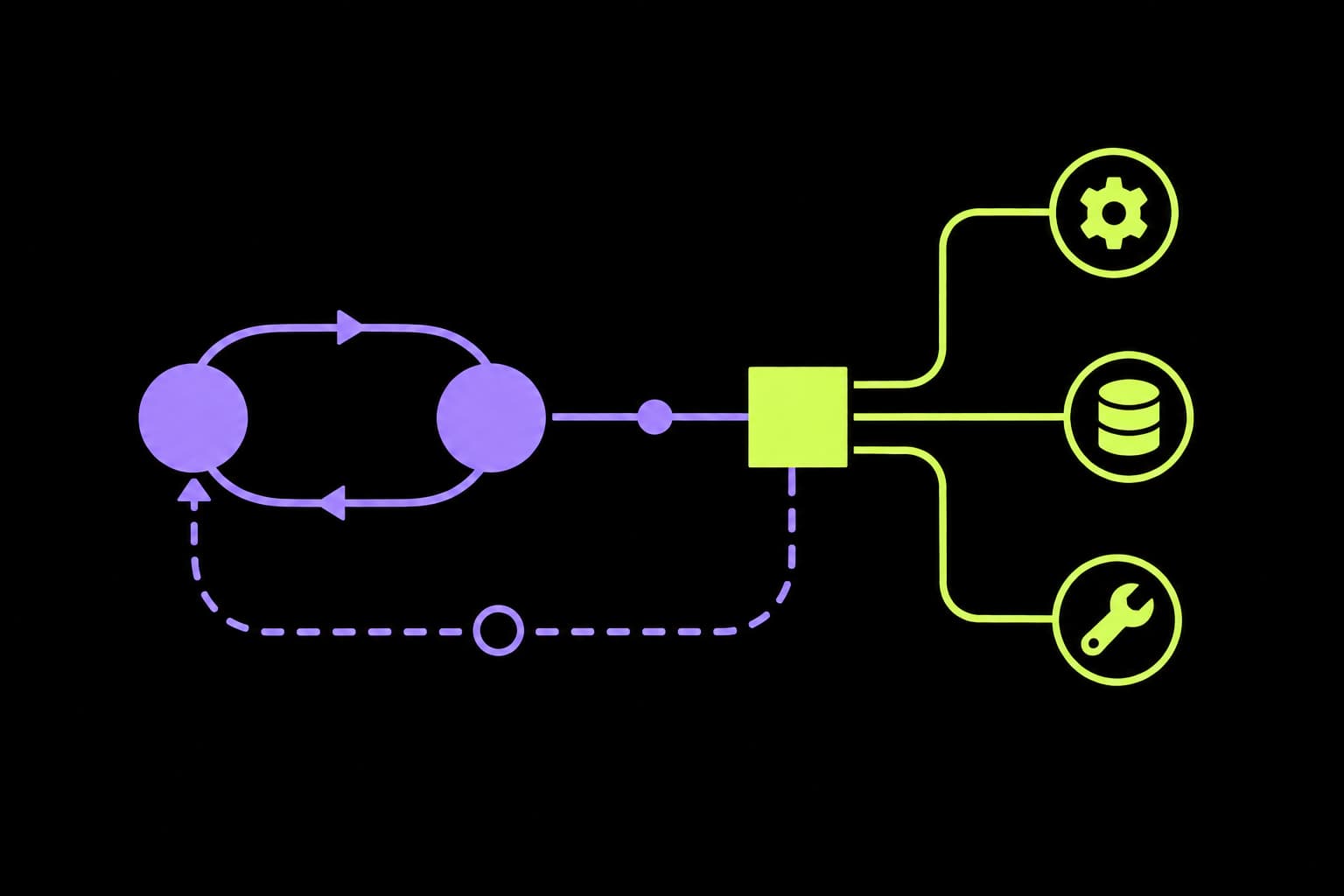
An AI agent is different because it is connected to the operating surface of the business. It can use tools. It can read files. It can inspect systems. It can make changes, run checks, and report back. With the right permissions, it can move work through a real workflow instead of stopping at advice.
The simple distinction
A regular AI interface is mainly a conversation partner. An agent is a permissioned operator.
That does not mean agents are magic. It does not mean they should be allowed to run loose across your business. It means the unit of work changes.
With a chatbot, the unit of work is usually a response. With an agent, the unit of work is a task.
Chat interface
Regular AI
Answers the question in front of it.
Agent
Works through a goal across tools and steps.
Memory and state
Regular AI
Relies on the current conversation unless you paste context back in.
Agent
Can read project files, update notes, track progress, and resume work later.
Tools
Regular AI
Mostly generates text, code, or advice for a human to copy somewhere else.
Agent
Can call APIs, inspect repos, open browsers, create PRs, run checks, and post updates.
Workflow
Regular AI
Stops when the answer is written.
Agent
Can diagnose, change, verify, report, and leave an audit trail.
What regular AI is good at
Regular AI interfaces are still extremely useful. They are good at language, reasoning, transformation, and explanation.
They can:
- summarise long documents
- draft emails, plans, briefs, and proposals
- explain unfamiliar code or technical concepts
- generate first-pass copy or design directions
- compare options and reason through tradeoffs
- turn messy notes into structured output
That is a big deal. It removes a lot of blank-page friction. It makes individual knowledge work faster.
But the human still has to carry the work across the gap. Copy the output. Open the system. Find the right record. Make the change. Run the test. Update the task. Tell the team.
The model helps with cognition. The person still does the operation.
What agents add
Agents add the missing operational layer. They combine model reasoning with tools, context, permissions, and feedback loops.
That lets them do work like this:
- inspect a Shopify store, identify missing product data, and draft fixes for review
- read a GitHub issue, create a branch, change code, run tests, and open a pull request
- monitor analytics, detect an anomaly, and post a clear summary into Slack
- triage support tickets, enrich them with order context, and draft replies for approval
- review a backlog, prioritise tasks, and move delivery work into the right queue
- generate a monthly report, attach evidence, and create follow-up tasks from the recommendations
The important part is not that the agent can write. The important part is that it can connect the writing to action.
The difference is tools
A model without tools can only answer from what it knows or what you paste into the chat. A model with tools can inspect the live system.
That changes the quality of the work. Instead of asking, “What might be wrong with this page?” an agent can load the page, check the console, inspect the network requests, read the repository, compare recent commits, and run the build.
The answer becomes grounded in the system, not just generated from a prompt.
The difference is state
Chatbots are usually session-based. They know what is in the current conversation, then the context fades or gets reset.
Agents can keep state in files, tasks, logs, issues, pull requests, memory, dashboards, and workflow queues. That matters because most business work is not a single prompt. It is a chain of small steps over time.
A chatbot can help you write a plan. An agent can keep checking whether the plan is moving.
The difference is permission
This is where people get careless.
The reason agents are powerful is the same reason they need proper boundaries. If an agent can read email, update tasks, open pull requests, inspect customer data, and call APIs, then it is no longer just software. It is part of your operating model.
That means permissions need to be designed. Read-only access by default. Narrow write access where needed. Human approval for sensitive changes. Logs for what happened. Secrets kept out of prompts and workspaces. No production mutations just to test an idea.
Agents are not dangerous because they are conscious. They are dangerous because they are fast, literal, and connected.
Where agents create leverage
Agents work best where the business has repeated workflows with clear inputs, known systems, and reviewable outputs.
Good early targets include:
- reporting workflows
- quality assurance checks
- backlog triage
- research summaries
- support enrichment
- product data audits
- release checks
- monitoring and alerting
These workflows are valuable because they are repetitive, bounded, and easy to verify. The agent can do the heavy lifting while a human keeps judgment over the final decision.
Where agents should not start
The worst place to start is a vague instruction with broad access.
“Run my business” is not an agent strategy. It is a permission accident waiting to happen.
Agents should not start with financial transfers, legal decisions, customer-impacting production changes, complaint handling, or anything where the cost of a wrong action is high and hard to reverse.
Start with workflows where the output can be inspected before it becomes final.
The practical takeaway
Chatbots make individuals faster. Agents make workflows faster.
That is the real shift. Not intelligence alone. Operational connection.
A regular AI interface can tell you what to do. An agent can help do it, check it, document it, and hand it back for review.
That is why agents matter. It is also why they need a more serious setup than a browser tab and a few pasted API keys.