Cross-Sell Without Apps: Product Metafields vs Bundle Metaobjects
Most Shopify stores install a cross-sell app like Frequently Bought Together, ReConvert, or Bold Upsell and pay $30-100/month for it. These apps inject JavaScript on every page, make external API calls to their own servers, and add 200-800ms to your page load.
You can build the same functionality with zero monthly cost, zero external dependencies, and zero performance penalty using Shopify's native metafields. Here's the architecture we use.
That is the same shape as useful AI agents for ecommerce: use native data, keep the workflow explainable, and let agents suggest commercial changes for review instead of adding another black-box app.
The two approaches
There are two ways to model cross-sell relationships in Shopify without apps:
Product metafield
custom.cross_sell_products
A list of product references directly on each product. Simple. Fast. Each product declares its own cross-sell set.
Bundle metaobject
custom.product_bundle
A separate metaobject that groups products together. More flexible but adds query complexity and a join step.
Why metafields win for cross-sell
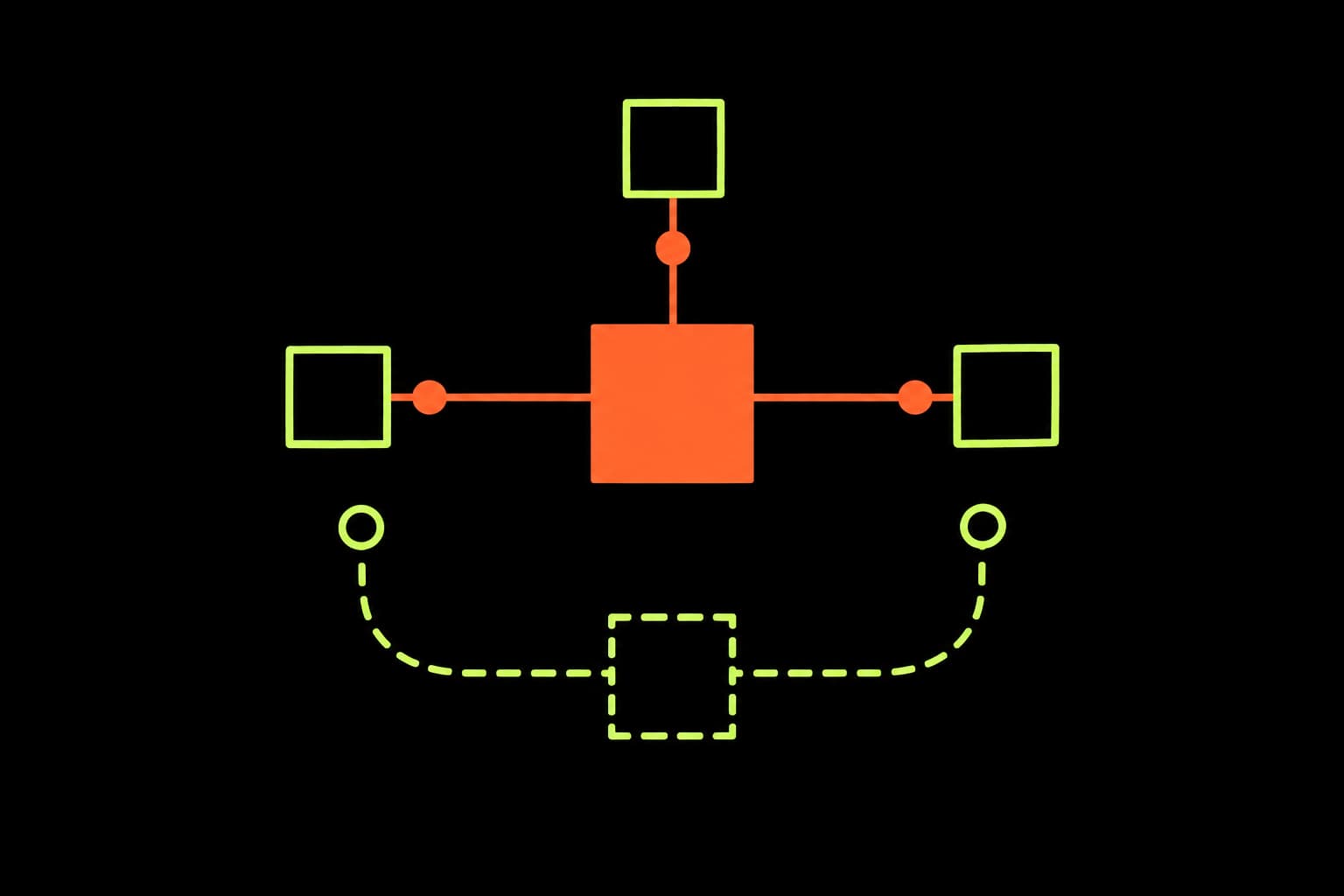
The metafield approach is better for cross-sell because the relationship is product-centric: “when someone views Product A, also show Products B, C, and D.” The data lives on the product itself, which means:
- One query, no joins. The Storefront API returns cross-sell products in the same query as the product data. No second round-trip.
- Merchandiser-friendly. Store staff can update cross-sell relationships in the Shopify admin without touching code. It's just a metafield on the product.
- Scales linearly. 100 products with cross-sell = 100 metafield values. No intermediate lookup table to maintain.
Bundle metaobjects make sense when you need a named, independently-managed group like “Summer Essentials Kit” that appears on multiple product pages. But for standard “Complete the look” or “Frequently bought with” functionality, metafields are simpler and faster.
Implementation
Step 1: Create the metafield definition
In the Shopify admin, go to Settings → Custom data → Products → Add definition:
Name: Cross-sell products
Namespace and key: custom.cross_sell_products
Type: Product reference (List)
Storefront access: Enabled (read)
Step 2: Query with the Storefront API
In a Hydrogen storefront, you query cross-sell products alongside the main product data:
const PRODUCT_QUERY = `#graphql
  query Product($handle: String!) {
    product(handle: $handle) {
      id
      title
      # ... other product fields

      crossSell: metafield(
        namespace: "custom"
        key: "cross_sell_products"
      ) {
        references(first: 4) {
          nodes {
            ... on Product {
              id
              title
              handle
              priceRange {
                minVariantPrice {
                  amount
                  currencyCode
                }
              }
              featuredImage {
                url
                altText
                width
                height
              }
            }
          }
        }
      }
    }
  }
`;
Step 3: Render the component
function CrossSell({ products }: { products: Product[] }) {
  if (!products.length) return null;

  return (
    <section className="mt-12">
      <h2 className="text-lg font-medium">Complete the look</h2>
      <div className="mt-4 grid grid-cols-2 gap-4 sm:grid-cols-4">
        {products.map((product) => (
          <a key={product.id} href={`/products/${product.handle}`}>
            <img
              src={product.featuredImage.url}
              alt={product.featuredImage.altText ?? ''}
              width={400}
              height={400}
              loading="lazy"
            />
            <p className="mt-2 text-sm">{product.title}</p>
            <p className="text-sm text-muted">
              {formatPrice(product.priceRange.minVariantPrice)}
            </p>
          </a>
        ))}
      </div>
    </section>
  );
}
Performance comparison
When to use bundle metaobjects instead
Metaobjects are the right choice when:
- You need named, curated bundles (“The Starter Kit”) that appear across multiple products
- Bundle composition is managed by a merchandising team independently of product data
- You need bundle-level pricing logic (discount when bought together)
For standard “you might also like,” “complete the look,” or “frequently bought with” features, product metafields are faster to implement, easier to maintain, and cost nothing.
The bigger picture
Cross-sell is one of dozens of features that Shopify stores pay app subscriptions for when native solutions exist. Size guides, announcement bars, mega menus, product filtering, review displays. All can be built as native components in a Hydrogen storefront.
Each app you remove is money saved and performance recovered. That's what revenue infrastructure looks like: building what matters into the storefront itself, not bolting it on from outside.
How much are apps costing your store?
Our audit identifies performance-draining apps and calculates the revenue impact of removing them.
Get your audit